
The 7 Best Book Cover Design Course Picks for 2026
Your manuscript is done, or close enough that the next bottleneck is obvious. You need a cover. Not a placeholder, not a nice-looking experiment, but a cover that signals genre, reads clearly at thumbnail size, and survives the jump from ebook preview to print file without falling apart.
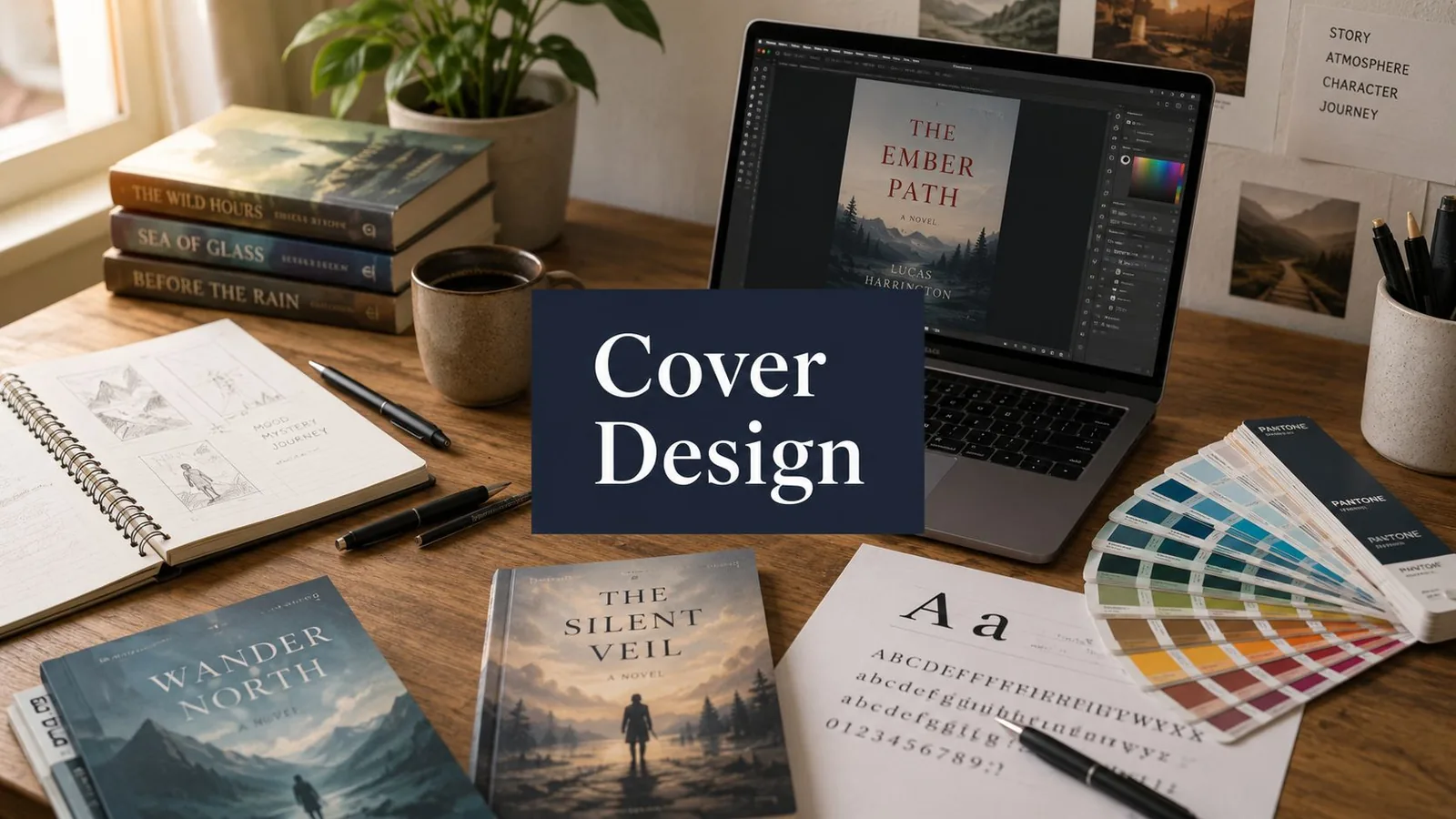
That's where a good book cover design course can help. The right one teaches more than Photoshop tricks. It teaches judgment. You learn what to emphasize, what to leave out, how to shape a concept around a book's promise, and how to turn that concept into a file a printer or retail platform can use.
The short version is this. Not every course solves the same problem. Some are concept-led. Some are production-led. Some are best for illustrators. Some are best for authors who need a practical DIY workflow and don't want to spend months becoming designers. A practical course choice should match the constraint you have right now, not the fantasy version of the designer you might become later.
1. Skillshare | Design For Meaning: Creating Effective and Artistic Book Cover Designs
Peter Mendelsund's Skillshare class is the one to point to when someone's cover drafts look polished enough, but the idea underneath them is weak. This is a concept-first course. It pushes you to read closely, identify the essence of a manuscript, and translate that into a visual argument instead of decorating the front cover with random symbols.
That's useful because many new authors make the same mistake. They open Canva or Photoshop too early. They start moving fonts around before they've decided what the cover is trying to communicate.
Best for concept development
Mendelsund's strength is the way he frames cover design as interpretation. You're not just making something attractive. You're deciding what readers should feel, infer, and remember in a split second.
A few parts stand out:
- Concept before software: This is strong for learners who need help generating ideas, not just executing them.
- Full jacket thinking: The project walkthrough gives useful context for how a complete cover comes together.
- Repeatable process: The project guide is practical if you want a workflow you can reuse across books or client projects.
The trade-off is clear. This isn't where you go for deep technical hand-holding. If you still struggle with type setup, image editing, or production specs, you'll need another resource alongside it.
That said, it pairs well with learning what readers notice on a successful cover. See what makes a book cover sell for the buyer's side of the same question. If your main weakness is “I don't know how to think like a cover designer yet,” this is one of the better starting points.
Visit the course on Skillshare.
2. Domestika | Book Cover Design from Concept to Creation
If you want one structured book cover design course that feels close to an editorial workflow, Faride Mereb's Domestika class is a strong pick. It's compact, practical, and clearly organized around making an actual cover from brief to final package.
Domestika packages it as a beginner course with 15 lessons, 2 hours 11 minutes of instruction, 1,279 students, and a 98% positive review rate (read November 20, 2026).
Why this course works for authors
The sequence is what makes it useful. It follows the applied steps authors and freelance designers need: the brief, lettering, a mood board and thumbnails, digital sketching, dummy-making, a preflight check, and a digital package of files for printing.
That matters more than it sounds. A lot of courses stop at “make something eye-catching.” Mereb's class treats the cover as a publishing object with creative and technical requirements.
A few practical strengths:
- Editorial mindset: It's not just design software training. It teaches how to move from manuscript interpretation to production.
- Self-paced access: Lifetime access is helpful if you want to revisit steps during a real project.
- Good for first full projects: The workflow is linear enough that beginners can finish without improvising every stage.
You should still know what DIY is replacing. Reedsy reports that the average professional book cover design costs $880, with many projects falling between $625 and $1,250 (read November 20, 2026). That makes a course like this attractive for authors trying to build the skill themselves before deciding whether to outsource. For more on what a cover costs, see book cover design cost.
The limitation is software depth. If you want an advanced Photoshop or InDesign class, this isn't the main draw. If you want a guided editorial process that ends in a realistic deliverable, it is.
Visit the course on Domestika.
3. Domestika | Design Thinking for Book Covers and Visual Concepts
Catherine Casalino's course is the one to recommend to anyone who needs to generate options, not just finish a single cover. That sounds like a small distinction. It isn't. In publishing, the ability to produce multiple viable routes is often what separates a hobby workflow from a professional one.
This course leans into design thinking. You explore directions, test them, refine them, and learn how to present them and take feedback.
Best for pitching and iteration
Casalino's approach is especially useful if you work with authors, small presses, or in-house teams where one cover concept rarely survives untouched. You need options that are distinct, defensible, and rooted in the brief.
That's the true value here:
- Multiple directions: You practice exploring more than one visual answer to the same manuscript.
- Presenting: The course has lessons on presenting a cover and taking feedback.
- Portfolio benefit: Showing process and alternate routes can make your work look more professional to clients.
Good cover designers make choices legible to the people approving the budget and the final file.
The course is less useful if your main concern is technical production. It won't replace training on spine calculations, print templates, or file packaging. For those, see print-ready cover files. It's a thinking course.
Casalino's course covers a step-by-step process from reading the book to presenting the final cover, including mood boards, sketching, and editing in InDesign and Adobe Creative Suite (Domestika, read November 20, 2026). That is closer to a decision-making mindset than most software-driven classes.
Visit the course on Domestika.
4. Domestika | Book Cover Design: Illustrate Stories with Evocative Images
Some covers need stock, type, and strong layout. Others need original art. If you already draw, paint, or work digitally as an illustrator, Owen Gent's course is one of the better bridges into publishing-specific cover work.
Its biggest strength is that it doesn't treat illustration as a separate art exercise. It connects imagery, mood, and composition to the actual demands of a front cover.
Where illustration-led covers make sense
Illustration-led covers make sense where mood and symbolism matter more than a literal scene. Gent's course teaches how to distill a book into a single image using watercolors, handmade textures, and Photoshop (Domestika, read November 20, 2026).
What Gent does well:
- Mood and symbolism: Strong if you want covers that imply tone rather than explicitly depict scenes.
- Illustration plus typography: Important because many illustrators can make art, but not always a usable cover.
- Genre sensitivity: Useful for literary fiction, children's books, and illustration-friendly commercial fiction.
The weakness is production detail. You won't get the deepest instruction on printer templates, spine width, or backend platform requirements. And if you don't already have some drawing confidence, the learning curve can feel steep.
This is not the best first course for most authors. It is a very good course for visual makers who want to move from making art to making covers.
Visit the course on Domestika.
5. LinkedIn Learning | Designing a Book
Nigel French's LinkedIn Learning course solves a different problem entirely. It's for people who need files that work. Not just attractive covers, but correctly assembled covers with front, spine, back, preflight checks, and export settings that won't create chaos at upload or print stage.
For self-publishers, this matters more than they expect. A nice front cover mockup is easy. A complete print-ready wraparound file is where many DIY projects break.
Best for production reliability
French's course is practical and tool-centered, especially if Adobe InDesign is part of your workflow. It belongs high on the list for authors producing paperbacks, hybrid teams, or freelancers who need dependable deliverables.
Its strengths are straightforward:
- InDesign workflow: Better suited than Photoshop for text-heavy backs and full-cover construction.
- Prepress awareness: Helpful if you've never handled packaging, export, and preflight properly.
- Platform readiness: Useful for designers dealing with printer and distributor requirements.
If your front cover is strong but your print file keeps getting rejected, the problem is production, not design.
The trade-off is creative depth. This isn't where you go for high-level concepting or genre strategy. It assumes you either already have the visual direction or can develop it elsewhere. It's also subscription-based, which makes more sense for learners who want broader LinkedIn Learning access beyond this one class.
Visit the course on LinkedIn Learning.
6. Udemy | Book Cover Design Masterclass with Photoshop
This is the practical, get-in-and-build course for learners who want a direct Photoshop workflow. If you're an author who prefers to follow along, recreate techniques, and leave with usable files and mockups, this Udemy class makes sense.
It's less elegant than the concept-heavy options, but sometimes that's exactly the point. You may not need design philosophy right now. You may need to understand cover anatomy, layers, export settings, and how to build a passable ebook and print cover in one tool.
Strong for hands-on execution
The appeal here is speed and accessibility. A straightforward production path makes it easier for DIY learners to keep moving.
Where it helps most:
- Photoshop-first workflow: Good for learners already comfortable in Adobe's image-editing environment.
- Marketplace awareness: Practical when you need to export for places like KDP.
- Mockup creation: Useful for presentation, launch pages, and basic promo assets.
This kind of course is also a good reminder that software choice matters. For print-prep requirements, see print-ready cover files.
The downside is that Photoshop can become a crutch. It's great for image-led covers. It's less ideal for projects where the back cover carries substantial text or where layout precision matters. The course also depends on self-correction. If your type hierarchy is off, no one's grading your work and pushing you to fix it.
Visit the course on Udemy.
7. Udemy | Book Cover Design and Animation Masterclass
Most authors don't need animated covers. Some absolutely do need launch assets that extend beyond the static jacket. That's where this Netplus Studios course becomes interesting. It combines cover design with simple motion outputs, mockups, and promotional formats.
This changes the value proposition. You're not just learning to make a cover. You're learning to turn that cover into marketing material for social posts, trailers, and visual launch content.
Best for hybrid design and promo work
For freelancers or author-brands handling their own campaign materials, that's useful. The same visual system can carry from retail thumbnail to ad creative to short promotional video.
A few strengths stand out:
- Motion plus static design: Helpful if one person is handling both the cover and basic promo assets.
- Multiple export contexts: Useful for social and launch support materials.
- Commercial mindset: Stronger fit for service providers than for pure hobby learners.
The limitation is complexity. If your only goal is a strong print and ebook cover, adding animation can distract from the fundamentals. And the more Adobe tools you add, the more time you'll spend learning interfaces instead of solving cover problems.
Adobe has built its Firefly generative AI into Photoshop through Generative Fill (Adobe, read November 20, 2026). That makes the core question less about whether you can generate assets quickly and more about whether you can judge which assets best fit the book. A course like this is most useful when you already understand that distinction.
Visit the course on Udemy.
Book Cover Design: 7-Course Comparison
| Course | Implementation complexity | Resource requirements | Expected outcomes | Ideal use cases | Key advantages |
|---|---|---|---|---|---|
| Skillshare, Design For Meaning (Peter Mendelsund) | Moderate, concept-first, assumes self-directed software work | Skillshare membership; basic design tools; time for research/ideation | Strong concept development and portfolio-ready cover directions | Authors, designers seeking stronger concepting and creative direction | Instructor pedigree; emphasis on reading-as-research |
| Domestika, Book Cover Design from Concept to Creation (Faride Mereb) | Moderate, structured step-by-step creative process | Lifetime access; standard design tools | Clear workflow from brief to finished art | Freelancers and agencies needing repeatable editorial workflows | Editorial methodology; lifetime access; multilingual subtitles |
| Domestika, Design Thinking for Book Covers (Catherine Casalino) | Moderate to high, iterative, multiple-direction process | Lifetime access; time for ideation and iterations | Multiple concept options and a plan to present them | Teams and publishers who must pitch and evaluate several routes | Publisher-aligned design-thinking; strong pitching/presentation focus |
| Domestika, Book Cover Design: Illustrate Stories (Owen Gent) | Moderate, illustration-led process; drawing skill recommended | Lifetime access; watercolor and Photoshop; time for illustration practice | Evocative illustrated covers that fit genre/mood | Fiction and children's markets needing bespoke art | Integrates illustration with composition and type; strong mood/symbolism |
| LinkedIn Learning, Designing a Book (Nigel French) | Low to moderate, production-focused, stepwise InDesign workflow | LinkedIn Learning subscription; Adobe InDesign; time for prepress | Print-ready covers (spine, preflight) and packaged deliverables | Designers preparing printer/platform-ready files (KDP/Ingram, trade) | Robust prepress/export guidance; certificate integration |
| Udemy, Book Cover Design Masterclass (Netplus Studios) | Low to moderate, tool-forward Photoshop workflow | Adobe Photoshop | End-to-end Photoshop covers with export settings and mockups | Rapid production for ebooks/print, freelancers needing Photoshop templates | Practical, tool-focused workflow |
| Udemy, Book Cover Design & Animation Masterclass (Netplus Studios) | Moderate to high, adds motion workflow and export variations | Adobe tools; more time for animation | Static covers plus motion promos and 3D mockups for marketing | Designers producing launch trailers, social promos, and cover assets | Bridges static design with motion/marketing assets; added promotional value |
Your Next Step: Learn, DIY, or Partner with a Pro?
A book cover design course is a smart investment when you want control, repeatability, and a working understanding of how publishing design decisions get made. It can also save money over time, especially if you plan to release multiple books or offer cover work as a freelance service. But course quality only matters if it matches your actual problem.
If your issue is weak ideas, choose a concept-led course like Peter Mendelsund's or Catherine Casalino's. If you need a clear editorial workflow, Faride Mereb is a better fit. If you already illustrate and want to enter publishing, Owen Gent gives you a more relevant bridge. If your bottleneck is file prep and print reliability, Nigel French is the safer choice. If you want quick, practical software training, the Udemy options are easier to act on immediately.
There's also a business reality you shouldn't ignore. Reedsy reports that in ad tests, professionally designed covers produced click-through rates that were 12.5% to 50% higher than non-professional alternatives (read November 20, 2026). That doesn't mean every author must hire a designer. It does mean the cover is carrying real commercial weight.
A simple decision framework works well:
- Learn first if you have time, visual patience, and more than one book ahead of you.
- DIY carefully if your budget is tight but you're willing to study genre, typography, and production requirements seriously.
- Hire a professional if your launch timeline is short, your book sits in a competitive genre, or your time is better spent writing and marketing.
If you're excited by the design process itself, a book cover design course is worth it. If you mainly want a strong cover on schedule, outsourcing is often the more rational choice. There's nothing wrong with deciding your highest-value role is author, not designer.
If you want an all-in-one path rather than piecing together training, software, and vendors, a service partner can make more sense.
Ready to publish your book?
Talk to a real publisher first. You leave the call with your exact price for your book.
More on getting your book taken seriously.

How many cover concepts should you get?
Why one is too few and ten is worse, what makes concepts genuinely different, and how to choose without ruining the cover.

What print-ready actually means
Bleed, embedded fonts, CMYK, flattened layers, and rich black. What separates an accepted file from one that only looks fine.

Book cover dimensions for KDP and IngramSpark
Trim sizes, the spine width formula, bleed, safe margins, and the ebook ratio. Every number your cover file needs.